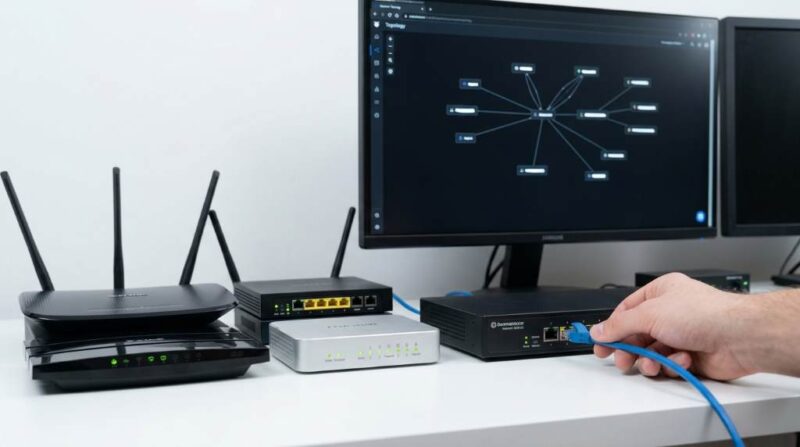
Your home network is under more threat than ever before. According to a 2024 cybersecurity report, over 1.5 billion IoT devices faced cyberattacks globally, and home networks were among the top targets. Meanwhile, a study by Security.org found that nearly 31% of Americans use a VPN, yet most choose one without knowing how to compare VPN services properly. Making the right choice can mean the difference between a secure household and a costly data breach. This guide walks you through every key factor so you can choose confidently.
Why Choosing the Right VPN Matters for Your Home Network
Not every VPN is built with home users in mind. Some are designed for corporate environments, while others prioritize streaming speed over privacy. When you know how to compare VPN services for home network security, you avoid paying for features you do not need and stop overlooking ones that matter most. A weak VPN can create a false sense of protection, which is arguably more dangerous than using no VPN at all. Understanding the evaluation process puts you firmly in control of your digital safety.
The Real Risks Facing Home Networks Today
Home networks now support smart TVs, thermostats, baby monitors, and remote work devices. Each connected device is a potential entry point for hackers. Internet Service Providers (ISPs) in the USA are legally allowed to sell your browsing data to advertisers under current federal regulations. Public-facing IP addresses also expose your home to targeted attacks. A well-chosen VPN acts as a shield between your household and these persistent threats.
What a VPN Actually Does for Home Security
A VPN encrypts your internet traffic and routes it through a secure server in another location. This process hides your IP address and makes your online activity extremely difficult for third parties to intercept. Beyond privacy, many VPNs now include features like malware blocking and ad filtering. However, not all VPNs deliver the same level of encryption or reliability. This is exactly why learning how to compare VPN services is such a critical skill for any homeowner.
Key Factors to Evaluate When You Compare VPN Services
Before you subscribe to any VPN, you need to measure it against a clear set of criteria. The factors below are not just technical checkboxes; they directly impact how well your home network stays protected. Skipping even one of these areas can expose a gap in your security. Work through each category systematically for the best results.
1. Encryption Standards and Security Protocols
Encryption is the backbone of any VPN service. Look for providers that use AES-256 encryption, which is the same standard trusted by the U.S. government and military. Equally important are the protocols a VPN supports, including OpenVPN, WireGuard, and IKEv2/IPSec. WireGuard, in particular, has gained strong adoption for its speed and modern cryptographic design. Always avoid VPNs that rely on outdated protocols like PPTP, as these offer very little real protection.
2. No-Logs Policy and Privacy Jurisdiction
A no-logs policy means the VPN provider does not store records of your browsing activity. However, not all no-logs claims are equal, so look for providers that have passed independent third-party audits. Jurisdiction matters significantly as well, because VPNs based in countries within the 5 Eyes or 14 Eyes intelligence alliances may be compelled to share data with governments. Providers headquartered in Switzerland, Iceland, or Panama generally operate under stronger privacy laws. Always read the privacy policy carefully before committing to a subscription.
3. Kill Switch and DNS Leak Protection
A kill switch automatically cuts your internet connection if the VPN drops unexpectedly. Without this feature, your real IP address and unencrypted traffic could leak to your ISP in just seconds. DNS leak protection ensures that your domain name queries also travel through the encrypted VPN tunnel, not your ISP’s servers. Both features are essential for maintaining continuous protection on a home network. Test these features using free online tools like ipleak.net after setup to confirm they work correctly.
4. Speed and Bandwidth Performance
Security should never come at the cost of making your home network unusable. Top-tier VPNs today have thousands of servers worldwide, which helps maintain strong connection speeds. Before subscribing, check independent speed tests from reviewers like PCMag, Tom’s Guide, or CNET that are published within the last year. Look for download speeds that stay above 80% of your baseline internet speed during peak hours. Unlimited bandwidth is also a must, especially for households that stream 4K video or run video conference calls daily.
5. Device Compatibility and Simultaneous Connections
Modern homes have an average of 17 connected devices, according to Deloitte’s 2024 Digital Media Trends report. Your VPN must cover all of them, from laptops and phones to smart TVs and gaming consoles. Check how many simultaneous connections each plan allows, since some providers cap this at five while others offer unlimited. Also verify that the VPN supports router-level installation, which lets you protect every device on your network with a single connection. This router-based approach is one of the smartest ways to secure a home network efficiently.
6. Router Compatibility
Installing a VPN directly on your home router gives you whole-home coverage without needing to configure individual devices. Not all VPN providers offer this, and not all routers support it. Look for VPNs that provide detailed setup guides for popular router brands like ASUS, Netgear, and Linksys. Some VPN companies even sell pre-configured routers, which simplifies the process considerably. This feature is especially valuable for households with smart home devices that cannot run VPN apps on their own.
Comparing Pricing Models Without Sacrificing Quality
Cost is a real consideration, but it should not be the primary filter when you compare VPN services for home network security. Monthly plans typically cost between $10 and $15, while annual plans can drop that cost to as little as $2 to $5 per month. Many top providers offer 30-day money-back guarantees, giving you time to test the service risk-free. Watch out for free VPN services, as many of them monetize by logging and selling your data. The cheapest option is often the most expensive in terms of long-term security risk.
Red Flags to Avoid When Comparing VPN Services
Some warning signs should immediately remove a VPN from your list. Be cautious of any provider that does not clearly state its logging policy or refuses to share audit results. Avoid VPNs headquartered in countries with mandatory data retention laws. Excessive permissions in mobile apps, such as access to your contacts or camera, are also serious red flags. Additionally, skip any VPN that does not offer 24/7 customer support, because problems with a security tool need fast resolution.
How to Test a VPN Before Committing Long-Term
Most reputable VPNs offer a free trial or a money-back guarantee period. Use this time to run real-world tests relevant to your home usage. Visit ipleak.net and dnsleaktest.com with the VPN active to confirm your IP and DNS are properly hidden. Run speed tests at different times of day to see how the VPN performs during peak hours. Also check how well the VPN handles your specific devices, especially if you have smart home gadgets or a gaming setup.
Top Features to Prioritize for Home Network Security
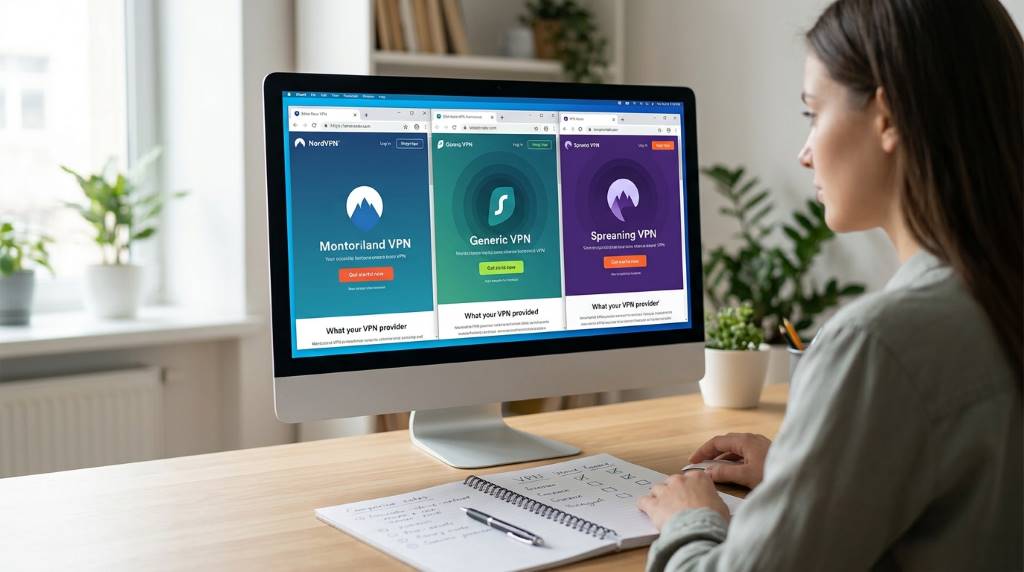
When you finally compare VPN services side by side, use this prioritized checklist:
- AES-256 encryption with WireGuard or OpenVPN protocol support
- Verified no-logs policy backed by an independent audit
- Kill switch enabled by default on all apps
- DNS and IPv6 leak protection confirmed through testing
- Router compatibility for whole-home coverage
- At least 10 simultaneous connections or unlimited connections
- Split tunneling to route specific apps outside the VPN when needed
- Automatic Wi-Fi protection for when guests connect to your network
Conclusion
Learning how to compare VPN services for home network security is one of the most practical steps you can take to protect your household in today’s threat landscape. By evaluating encryption, privacy policies, speed, device support, and pricing together, you build a complete picture of what each provider truly offers. Do not settle for marketing claims alone; test every service you consider. Your home network protects your financial accounts, personal files, and family’s privacy. Take action today, pick a VPN that meets every standard on this list, and secure your digital home with confidence.
Frequently Asked Questions
What is the most important factor when comparing VPN services for home security?
The no-logs policy backed by an independent audit is the single most important factor because it confirms the provider truly cannot expose your data.
Can a VPN slow down my home internet speed?
Yes, a VPN can reduce speed slightly, but top-tier providers typically maintain over 80% of your baseline speed with modern protocols like WireGuard.
Is a free VPN safe enough for home network security?
No, most free VPNs generate revenue by logging and selling your browsing data, which directly undermines home network security.
How many devices should my home VPN cover?
Your VPN should cover all devices in your home, so look for providers offering unlimited simultaneous connections or router-level installation.
Do I need a VPN if I already have a firewall and antivirus?
Yes, because a VPN encrypts your traffic and hides your IP address, which are functions that firewalls and antivirus software do not provide.